
Here's a scenario that plays out constantly.
A creator posts your sponsored video. Sales go up that week. Your dashboard shows eleven clicks from the description link.
Eleven. On a video with 300,000 views.
- A UTM link catches the clickers.
- A unique promo code catches the delayed buyers who never clicked.
- A post-purchase survey catches everyone else.
That gap between obvious impact and measurable clicks is the whole problem. To track ROI from a YouTube sponsorship you need to accept that a single tracking link will always undercount, then build around it.
Why Does YouTube Attribution Leak?
Three structural reasons, none of which you can engineer away.
The viewing device isn't the buying device. A lot of YouTube gets watched on televisions, or on a phone propped up while someone cooks. Nobody buys a mattress on a TV remote. They remember the brand and search for it later on a laptop, and that lands in your analytics as organic or direct.
Description links sit below the fold. On mobile, viewers have to tap "more" before they see anything. That's a real step, and most people skip it.
The delay is long. Someone watches a laptop review in March and buys in May. No attribution window catches that, and the video is still earning views the whole time.
So the eleven clicks were never the story. They're the smallest, most trackable slice of a much larger effect.
The Three-Layer Setup
Each layer catches a different group. Run all three.
Layer one, the UTM link. Unique per creator, per video.
?utm_source=youtube&utm_medium=creator&utm_campaign=q3&utm_content=channelname
Put utm_content to work as the creator identifier. That's what lets you compare creators later without building a spreadsheet by hand.
Layer two, a unique promo code. Give each creator their own, memorable and spoken aloud. CHANNELNAME15 beats YT-Q3-A7. A code someone can recall two days later is doing exactly the job the link can't.
Layer three, the post-purchase survey. One question at checkout: how did you hear about us? Free text or a short list including "YouTube". This is the only layer that catches the person who watched on a TV, searched your brand, and bought direct.
Almost every brand runs layer one and stops. Layers two and three are where the missing conversions actually show up.
Which Placement Earned It?
If you tag everything identically, you learn nothing about placement. Tag them separately and you find out what's worth negotiating for next time.
Description link, pinned comment link, on-screen promo code, and any link on the creator's own site or Linktree. Four different placements, four different utm_content values or codes.
Whether the pinned comment is worth asking for. Whether people are using the code without clicking. Whether your link position in the description matters as much as you think.
One shared UTM across a multi-creator campaign. You end up knowing the campaign worked without knowing which creator made it work, which makes the next round of booking a guess.
This is also why the sponsorship brief should specify the exact link and where it goes. Vague instructions produce untrackable placements.
Measuring the Long Tail
A YouTube sponsorship isn't a burst. It's an asset that keeps working, and your measurement window has to reflect that.
Take three readings:
- Day 7: the initial wave. Useful for spotting a video that badly underdelivered.
- Day 30: the practical reporting number. Most of the view count has landed.
- Day 90: the honest number. Conversions from search and recommendations have caught up.
The difference between the 7-day and 90-day figures is often large enough to flip a campaign from "didn't work" to "our best channel". Judging at 48 hours, the way you'd judge a paid social burst, will kill sponsorships that were performing.
There's a second-order benefit worth knowing: because the video stays live, so does the effect. Paid media stops the moment you stop paying. A sponsored video that ranks in search keeps converting through the following quarter, which is the real argument for the format, and the reason usage rights are worth what they cost.
For what the placement should have cost in the first place, see what sponsors pay YouTubers, or model it on the sponsorship calculator.
Setting Up the Survey Layer
The post-purchase question is the layer most brands skip, and it recovers more attribution than the other two combined on YouTube-heavy campaigns.
Keep it to one question at checkout or on the thank-you page: How did you hear about us? Offer a short list (search, social, friend, YouTube, podcast, other) and let people pick.
Two refinements make it much more useful:
Add a follow-up when they pick YouTube. A free-text box asking which channel. Messy data, but it names creators your links never credited.
Compare the survey share to your attributed share. If 12% of buyers say YouTube and your analytics attributes 3%, you've just measured your attribution gap. That multiplier is the most valuable number in the whole exercise, and you can apply it to future campaigns.
The data is self-reported and imperfect. It's still far better than pretending the untracked buyers don't exist.
What to Do With a Video That Underdelivered
Sometimes the numbers come back weak. Before writing the creator off, separate three different failures, because they need different responses.
The video underperformed the channel. Views came in well below their recent median. That's usually timing or thumbnail, not your segment. Reasonable creators will often offer a make-good: another mention, or a discount next time. Ask.
The video did fine but nobody clicked. Views landed on target, clicks didn't. That's a placement or offer problem, not a creator problem. Check whether the link was actually in the first three description lines and whether the code was spoken aloud.
The video did fine, people clicked, nobody bought. That's your landing page, not the creator. Painful, but it's the cheapest possible way to learn it.
Diagnosing which of the three you're looking at takes ten minutes and saves you from firing a creator who did their job.
Building the ROI Number
Once the data's in, the calculation is simple. Being honest about the inputs is the hard part.
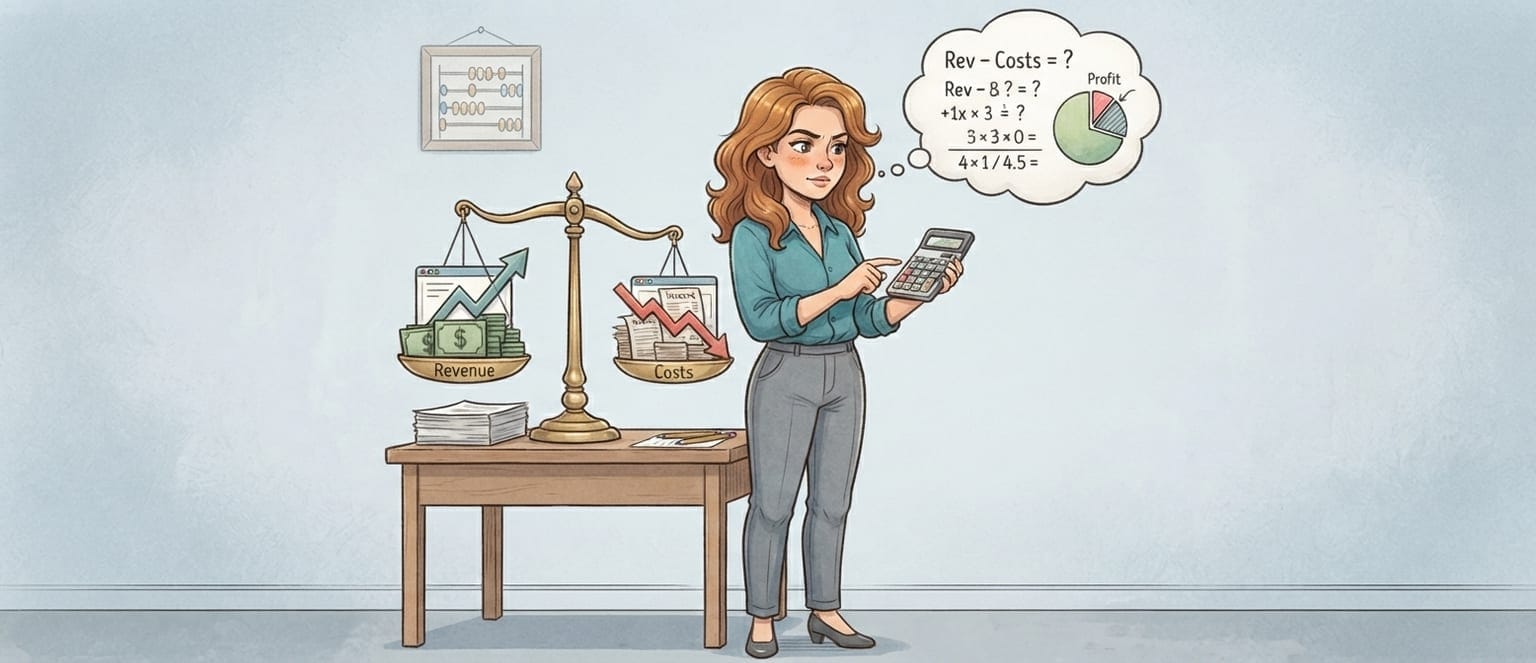
ROI = (attributed revenue − fee) ÷ fee
Benchmark the creator against their own category on the niche ranking pages, or pull their real average views from the platform so the denominator isn't a guess.
Attributed revenue should combine all three layers, deduplicated: someone who clicked and used the code is one person, not two. Then judge the result against your other channels over the same window rather than against a benchmark you read somewhere.
I've seen this mistake dozens of times: a brand compares a 30-day sponsorship result against a 30-day paid social result and concludes influencer marketing underperforms. The sponsorship was still climbing. The paid campaign had stopped the day the budget did.
👉 Find Creators Now and set the tracking up before the next one ships.
A Note on Multi-Touch Reality
One thing worth saying plainly, because it shapes how you read every number above.
A YouTube sponsorship rarely closes a sale on its own. It introduces the product, makes it feel credible because someone the viewer trusts used it, and then the purchase happens later: often after a search, a price comparison, or a second video.
That means last-click attribution will systematically undervalue it, and first-click will systematically overvalue it. Neither is wrong exactly; they're measuring different halves of the same journey.
The practical response is to stop trying to settle the argument and instead watch the two numbers that move regardless of model: cost per acquisition over 90 days, and branded search volume before versus after. If both improve while spend holds steady, the channel is working, whatever your attribution tool says.
That's also why the survey layer matters so much here. It's the only input that captures intent rather than clicks, and intent is what a sponsorship actually buys.
Final Takeaway
Your tracking link will always undercount. Build for that instead of fighting it.
Run three layers: link, code, survey, and tag every placement separately so you learn which one earned the sale. Then give it 90 days, because a YouTube video doesn't stop working when the invoice clears.
The brands that conclude YouTube sponsorships don't work are usually the ones measuring one layer over one week.
Bottom line: track three ways, wait three months, compare against your own channels rather than someone else's benchmark.
For which numbers to report alongside revenue, see YouTube influencer marketing KPIs. If a video performed well, whitelisting is how you buy more of it.
Frequently Asked Questions
How do you track sales from a YouTube sponsorship?
Three layers: a UTM-tagged link for clickers, a unique promo code for delayed buyers, and a post-purchase survey for everyone else. No single method is enough, because much of YouTube gets watched on devices nobody buys from.
Should I use a promo code or a tracking link?
Both, unique per creator. The link catches immediate clicks; the code survives the gap between watching on a television and buying on a laptop. Expect the code to find sales the link never sees.
Why does YouTube attribution leak so badly?
The viewing device usually isn't the buying device, description links sit below the fold on mobile, and the delay between watching and buying can run to weeks.
How long should I track a YouTube sponsorship for?
At least 90 days. Read at 7, report at 30, judge at 90. Videos keep surfacing in search and recommendations long after launch.
What is a good ROI for a YouTube sponsorship?
Compare cost per acquisition against your own other channels over the same window. Anyone quoting a universal ROI figure is guessing.